Desktop Preview
Full workspace view
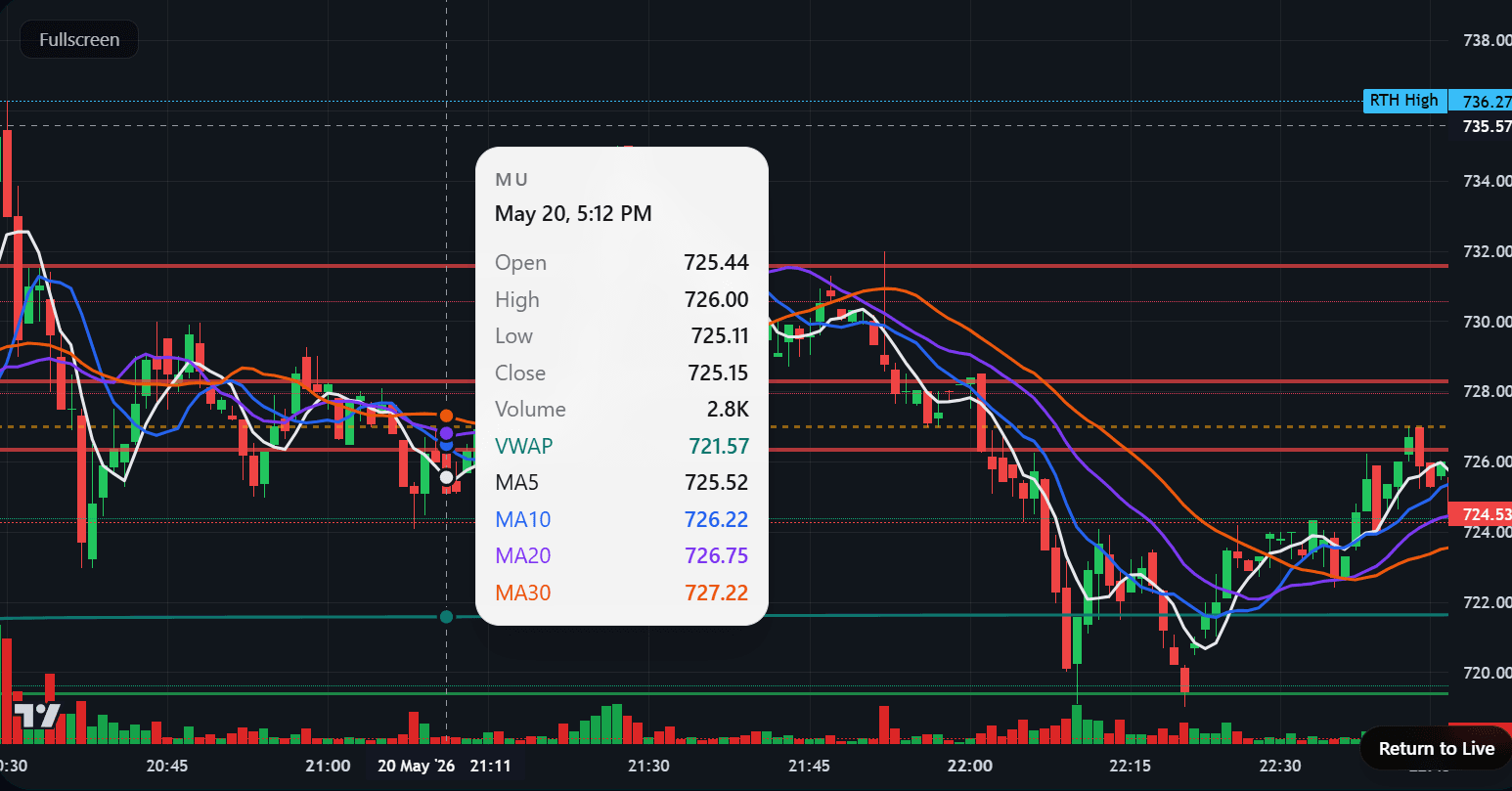
Your SigiOS membership includes full desktop access with expanded charts, multi-panel workflows, analyst intelligence, sector monitoring, and advanced trading tools.
Go to Sigios.com
Select Login
Use the same email connected to your SigiOS membership
Access your complete desktop workspace
Your mobile and desktop access stay connected when you sign in with the same SigiOS account.
Mobile is ideal for monitoring and quick reads. Desktop is where the full command center, layouts, and multi-panel tools open up.
Built for mobile. Engineered for desktop.
Desktop Preview
What opens on desktop
Expanded chart controls and trade levels
Persistent side rails for Sigi intelligence
Sector and analyst dashboards in one workflow
Multi-panel monitoring across watchlist and portfolio
Desktop Screen
A full command center layout with live chart context and workspace actions.
Desktop Screen
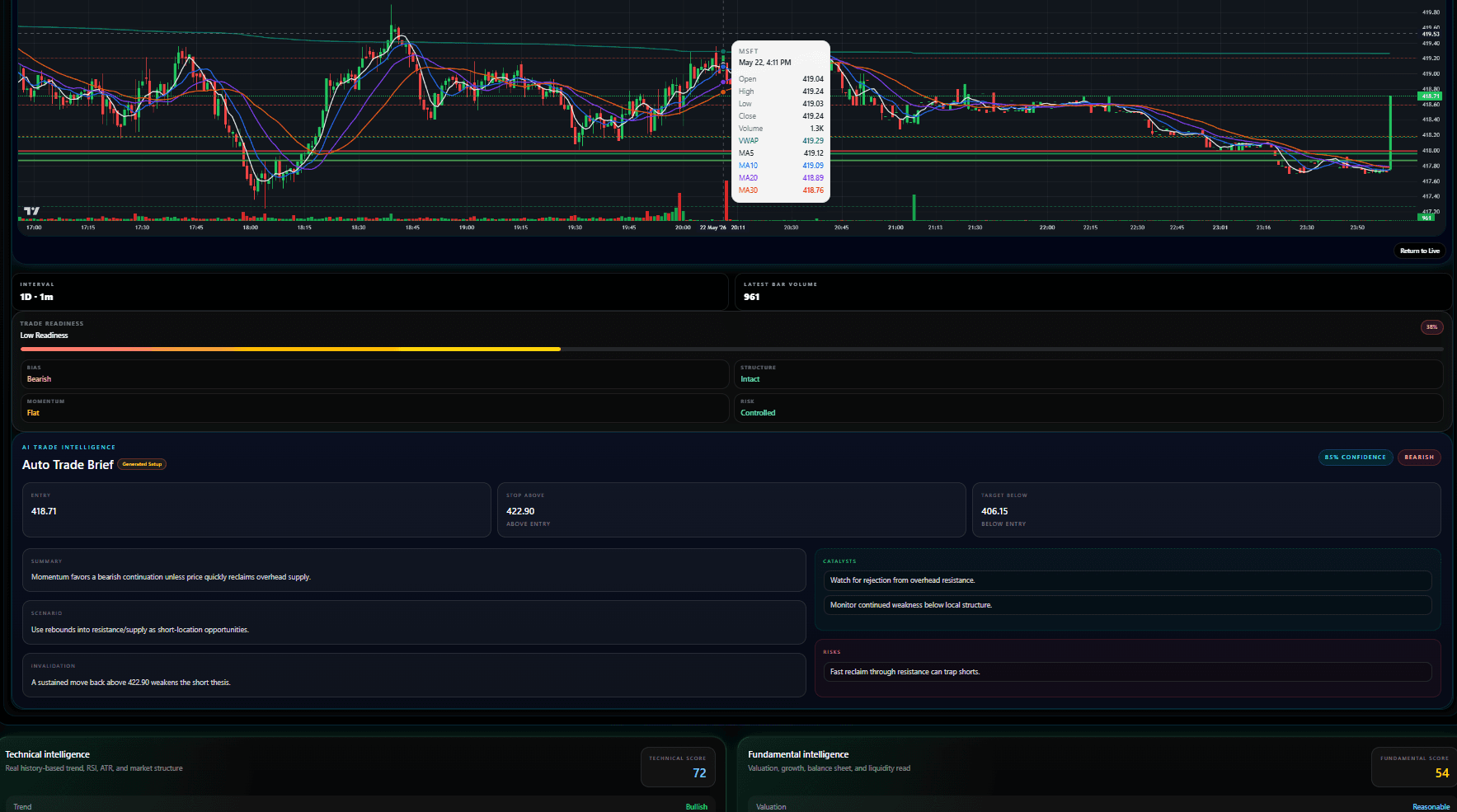
Keep the tactical chart front and center with levels and overlays pinned in view.
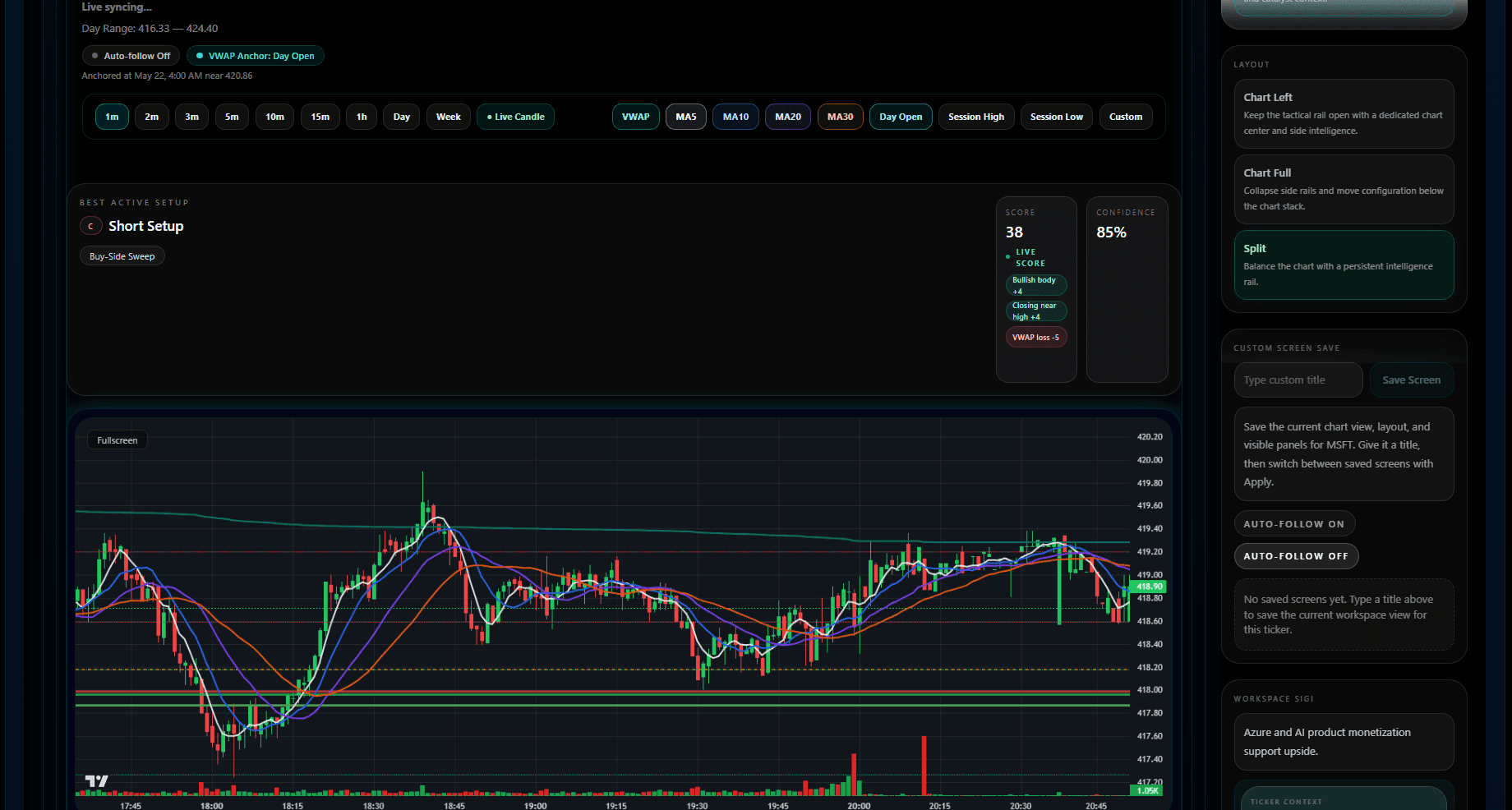
Desktop Screen
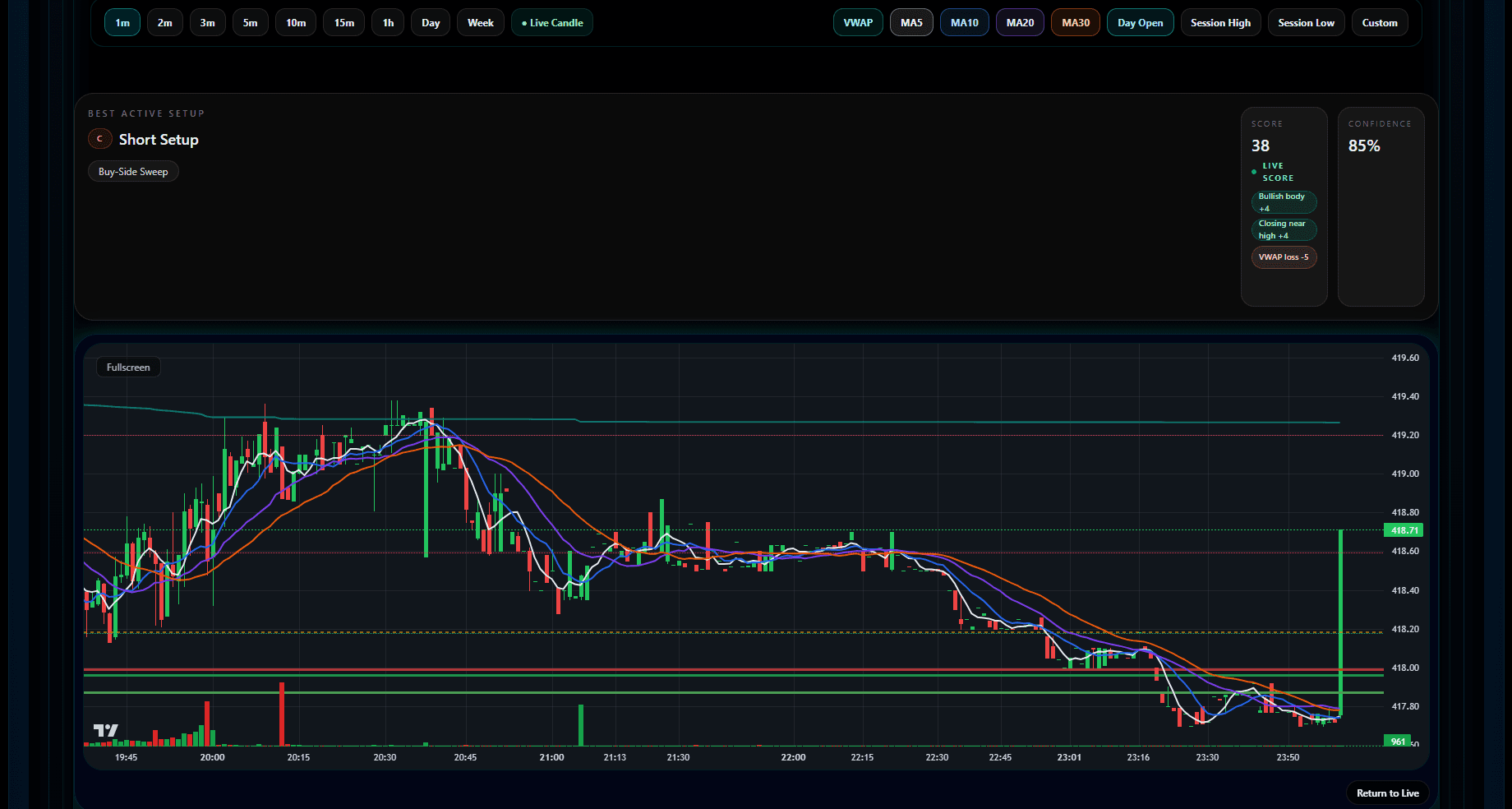
Balance the chart with a persistent intelligence rail and saved workspace controls.
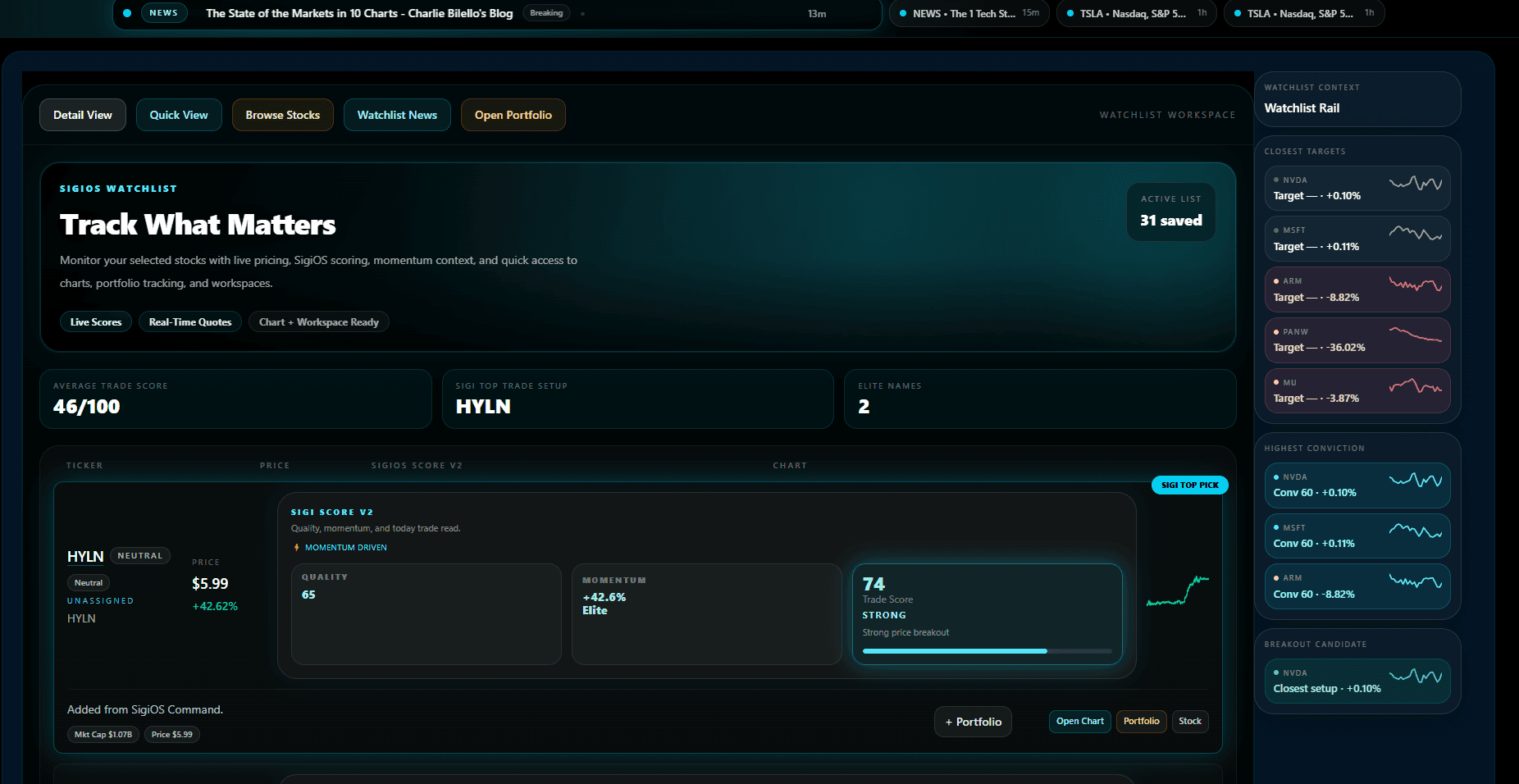
Desktop Screen
Monitor scored names, context rails, and breakout candidates in one screen.
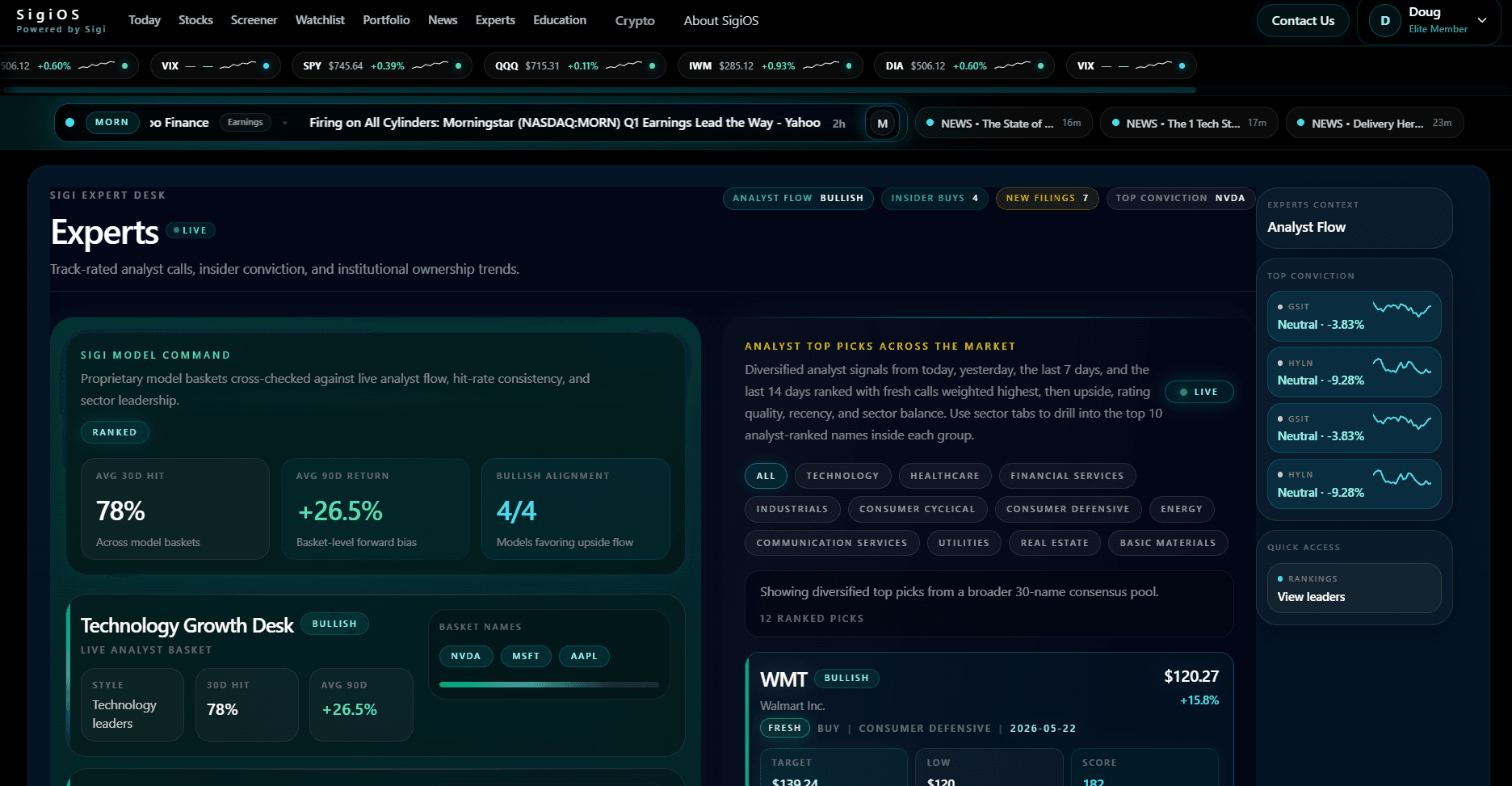
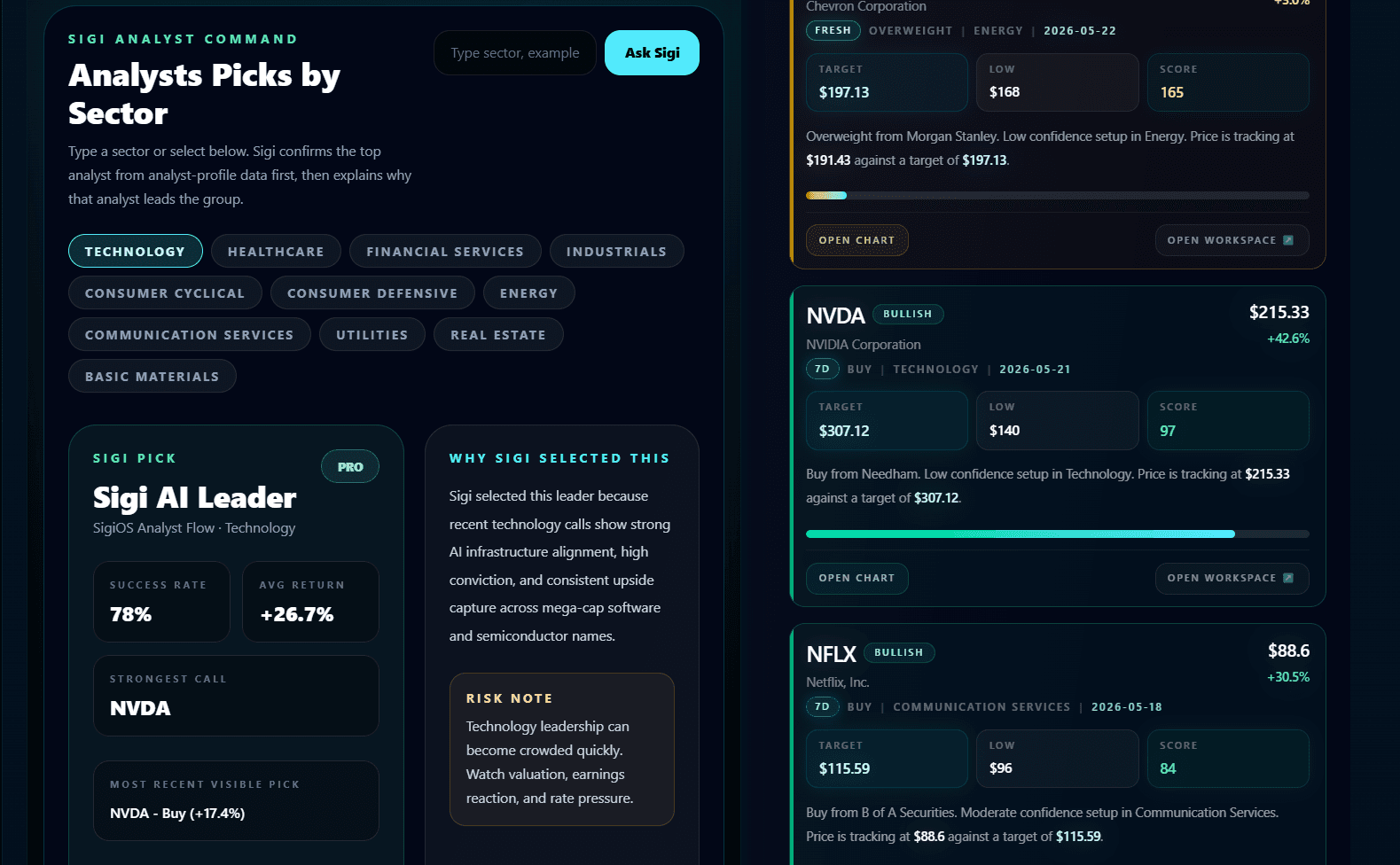
Desktop Screen
Open expert flow, ranked picks, and side context panels together on desktop.
Crypto Desktop Views
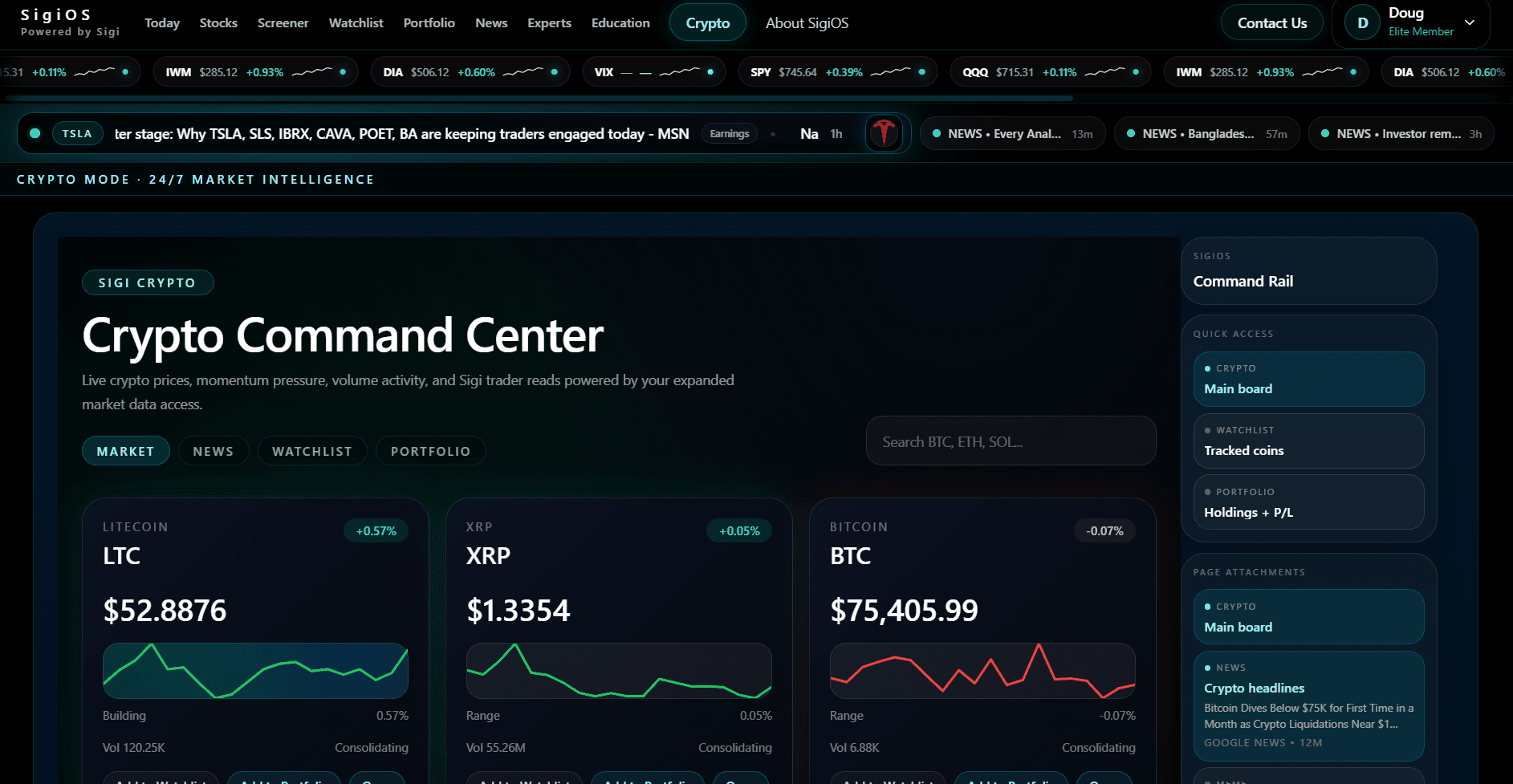
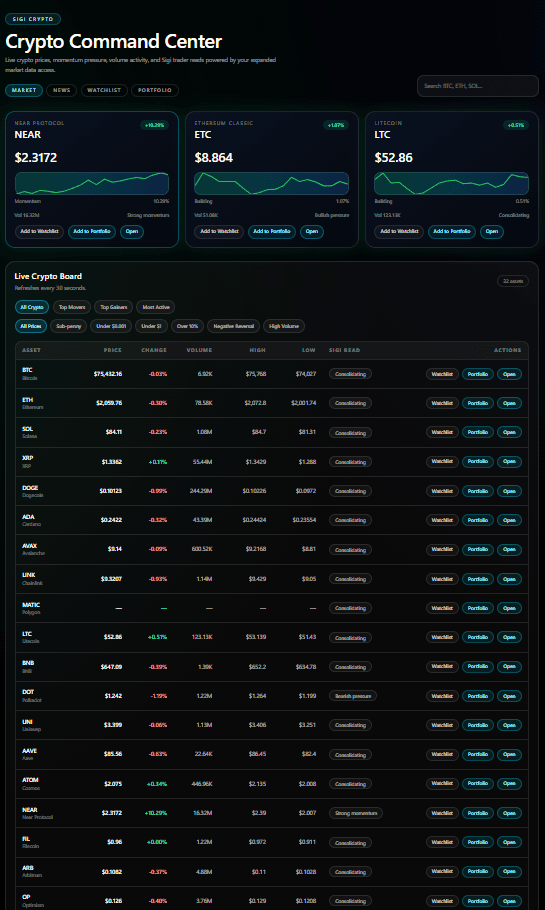
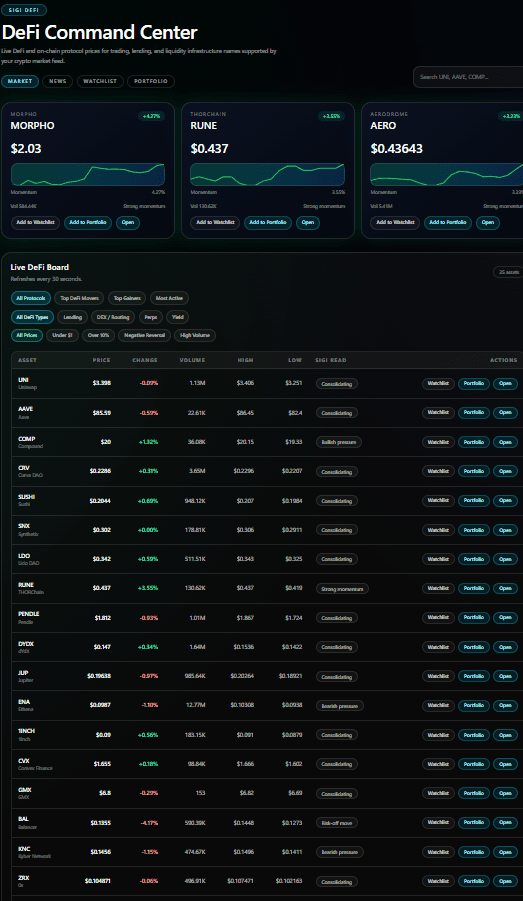
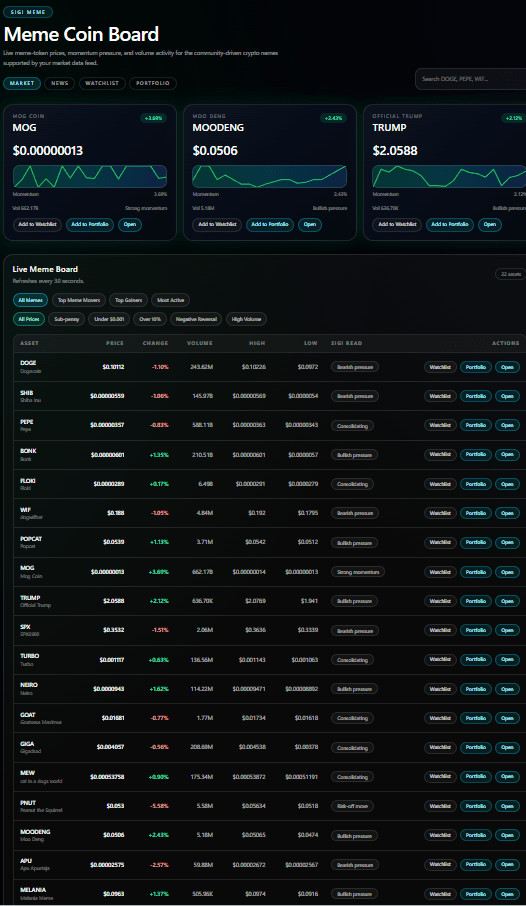
These desktop examples show how crypto boards, watchlists, and category views expand on a larger screen.
Desktop Screen
Scan the broader crypto market with boards, tabs, and quick-actions in one desktop surface.
Desktop Screen
Work through core crypto assets with ranked rows, board filters, and live action buttons.
Desktop Screen
Review DeFi protocols with sector-specific screens and the same desktop workflow controls.
Desktop Screen
Track community-driven names with a separate desktop board for faster rotation monitoring.
Desktop Screen
Open real-world-asset names in a dedicated desktop board with category filtering and quick actions.
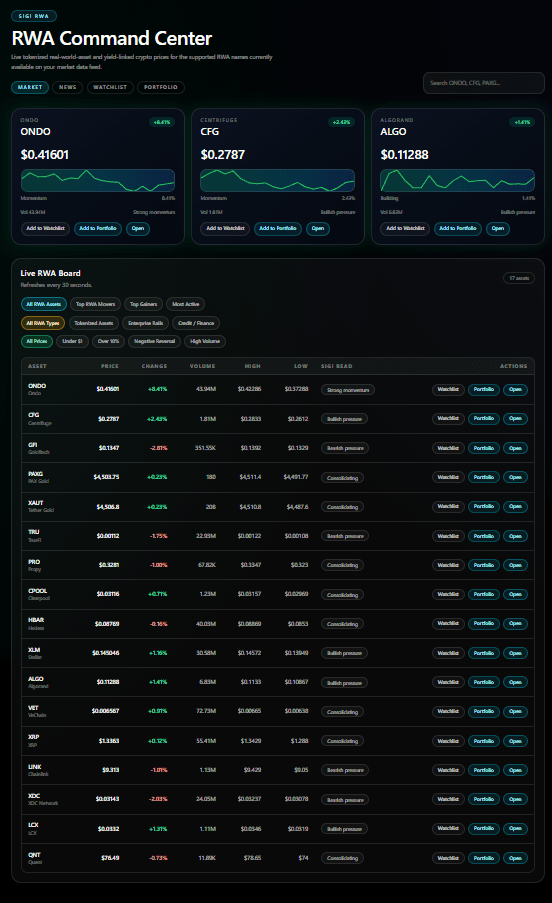
Desktop Screen
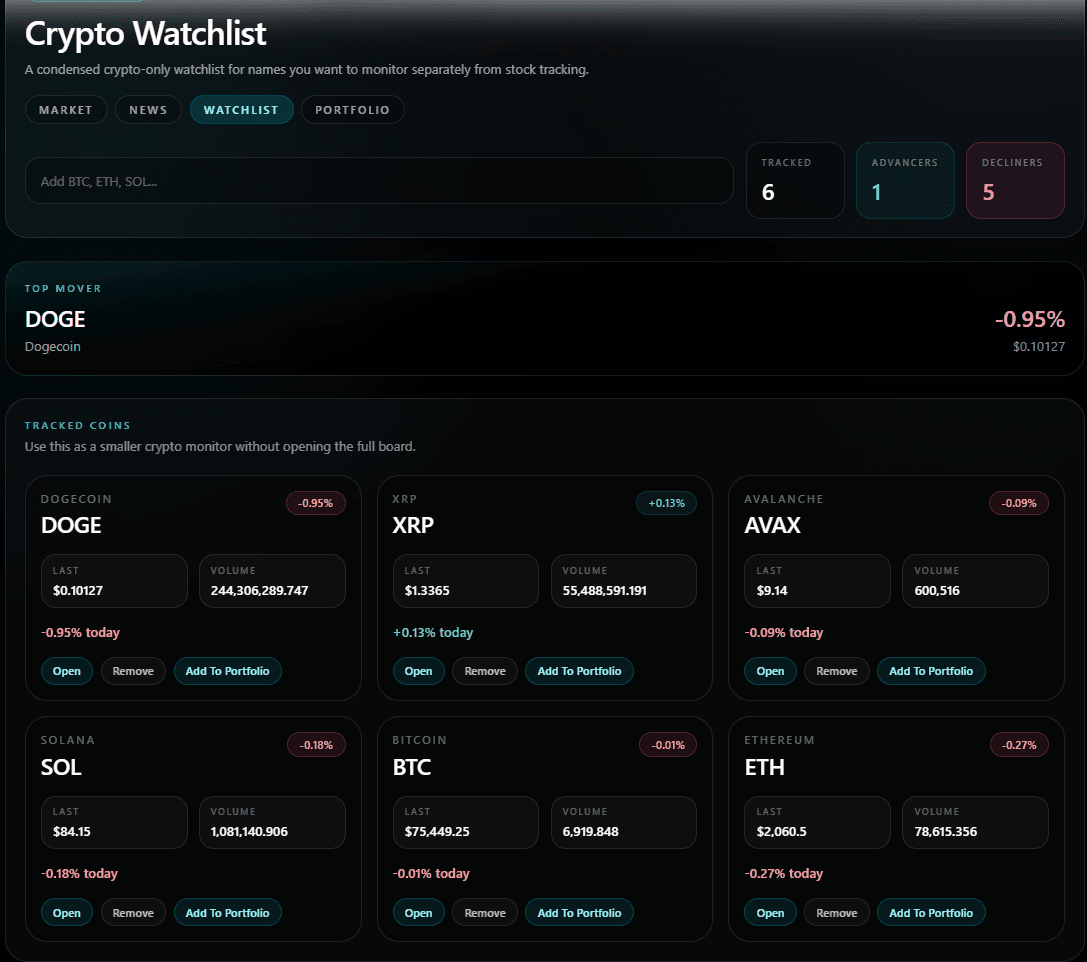
Monitor tracked coins in a smaller desktop watchlist view without opening the full board.